Skillshare login – 3 quick checks before you pay (solo learners)
How to use Skillshare login and decide fast: confirm the 1-month free trial, check device limits, and pick annual vs monthly billing with a short checklist.

Some links in this article lead to partner services. If you make a purchase there, the site may receive a commission; this does not affect the price or our assessment.
Use the Skillshare login to get into classes; new members typically qualify for a one-month free trial before paid billing starts (see Skillshare trial details). Below you get a short checklist, a pricing snapshot table, login steps, common traps, and an account-close rule.
In short – Key takeaways
Quick fact – Free trial: 1 month for new users (see Skillshare trial details).
Sign-in choices – use Skillshare Premium annual plan or a Google/Apple single-sign-on depending which you want tied to your account.
Device and offline limits – download per-device is limited by the app; use the desktop site for full search and playlists.
Cancel rule – cancel before the trial ends to avoid the first charge; set a calendar reminder.
How do I sign in right now?
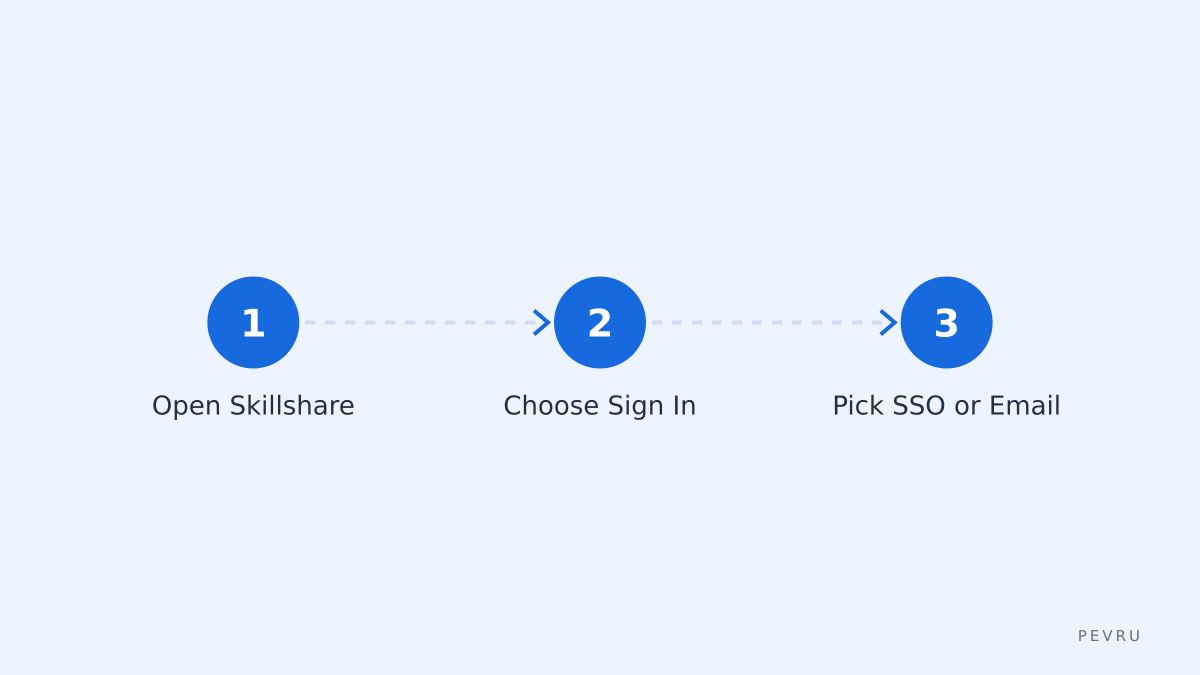
Open the Skillshare site or app, click Sign In, then choose email/password or a social SSO. If you use Google or Apple sign-in, you skip creating a separate password; that links authentication to that provider (useful if you lose access to one login method). For email sign-in, confirm the verification email sent to the address listed in the sign-up flow. The Skillshare help page lists the exact steps for sign-in and account creation.
Which login method should I pick?
If you want fewer passwords, choose Google or Apple single-sign-on; if you need an account independent of those providers, create a Skillshare email/password account. Decision rule – if you plan to switch email providers later, do not rely solely on a social sign-in; create a Skillshare password so you can reset with any email. Note the drawback – social SSO can complicate account recovery if you lose the social account.
Pricing snapshot – pick the plan that fits study time
Option | Who it suits | Key number | Main drawback |
|---|---|---|---|
Free trial | New explorers who test many classes | 1 month free trial (see Skillshare trial details) | Automatically converts to paid if not cancelled |
Monthly subscription | Short-term users or those testing one course | billed monthly (no long commitment) | Higher monthly cost than annual |
Annual subscription | Regular learners who take many classes | annual billing (best per-month price if used) | Upfront payment required |
One recommended click: if you plan to study consistently, check the Skillshare Premium annual plan to compare per-month cost versus paying monthly.
What practical steps get me into a class fast?
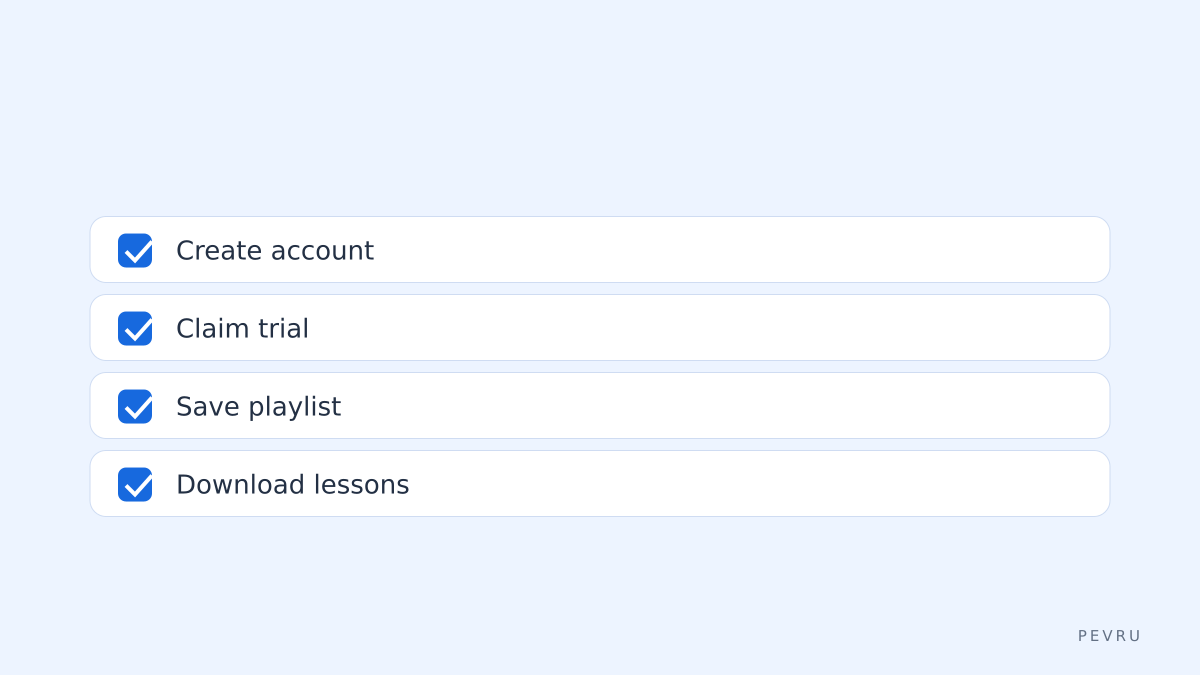
Create account – use an email you control or Google/Apple sign-in; verify email if required.
Start trial – claim the 1-month trial on the subscription page; check the trial start date before confirming.
Bookmark course list – search by teacher or topic; add favorites to a playlist so you can batch-watch.
Download for offline – use the mobile app to download up to the device limit; keep an eye on storage.
Step timing – allow 5–10 minutes to register, claim trial, and open your first class.
What login problems happen and how to fix them?
Problem: No verification email. Action – check spam, then request resend from the sign-in page; if still missing, use social SSO or contact support with your account email. Problem: Locked out after social-sign-in change. Action – try account recovery through the social provider or create a Skillshare password via the account settings once you regain access. Caveat – Support response times vary; have your transaction or trial confirmation ready.
How do I cancel before I pay?
Cancel in the same place you started the subscription: account settings > manage subscription. Decision rule – cancel at least 24 hours before the trial end to account for time zones and processing. If you subscribed through an app store (Apple/Google), you must cancel through that store account, not Skillshare. Limitation – cancelling stops future charges but does not refund charges already billed by the billing system.
FAQ about "skillshare login"
Q: Can I use one account on multiple devices? A: Yes, but offline downloads are limited by app and device storage; streaming is available across devices once you use the Skillshare login. Use the desktop site for full playlist management.
Q: What if I forget which email I used to sign up? A: Recover by trying sign-in with possible emails and using the password reset link; social sign-ins require you to check the connected Google or Apple account.
Q: Is Skillshare login required for free previews? A: You can view some previews without signing in, but full class access and the trial require a Skillshare Premium annual plan or other active subscription sign-in.
Q: Can I change plan after starting a trial? A: Yes, upgrade or switch billing plans in account settings; changing to annual may apply a new billing schedule. Check the subscription terms in your account for proration rules.
Decision rule – If you plan to take more than two classes per month, prefer the annual plan; if you want a quick one-class deep dive, use the one-month trial then cancel.
Sources
https://www.skillshare.com/
https://help.skillshare.com/hc/en-us/articles/360047594872-Subscription-and-trial-FAQ
https://help.skillshare.com/hc/en-us/articles/360041229792-How-do-I-sign-in-or-sign-up-