Best laptop 2026 – future-proof picks that you can repair and upgrade
A short, practical shortlist for buyers in 2026 who want laptops built for longevity: prioritize repairability, modular RAM/SSD, and battery serviceability over peak benchmark wins. Concrete steps and trade-offs included.

Some links in this article lead to partner services. If you make a purchase there, the site may receive a commission; this does not affect the price or our assessment.
You want a laptop that still matters in three to five years. This article helps you pick one now by prioritizing three long-term traits: repairability, modular RAM/SSD, and battery serviceability. Read the quick decision rules, a short shortlist with honest caveats, and a checklist to use when you test a machine in-store or evaluate listings.
How to judge "future-proof" in plain steps
Concrete task: choose a laptop that is more likely to be useful and cheaper to maintain in 2029 than a performance-first throwaway.
Steps to follow, in order:
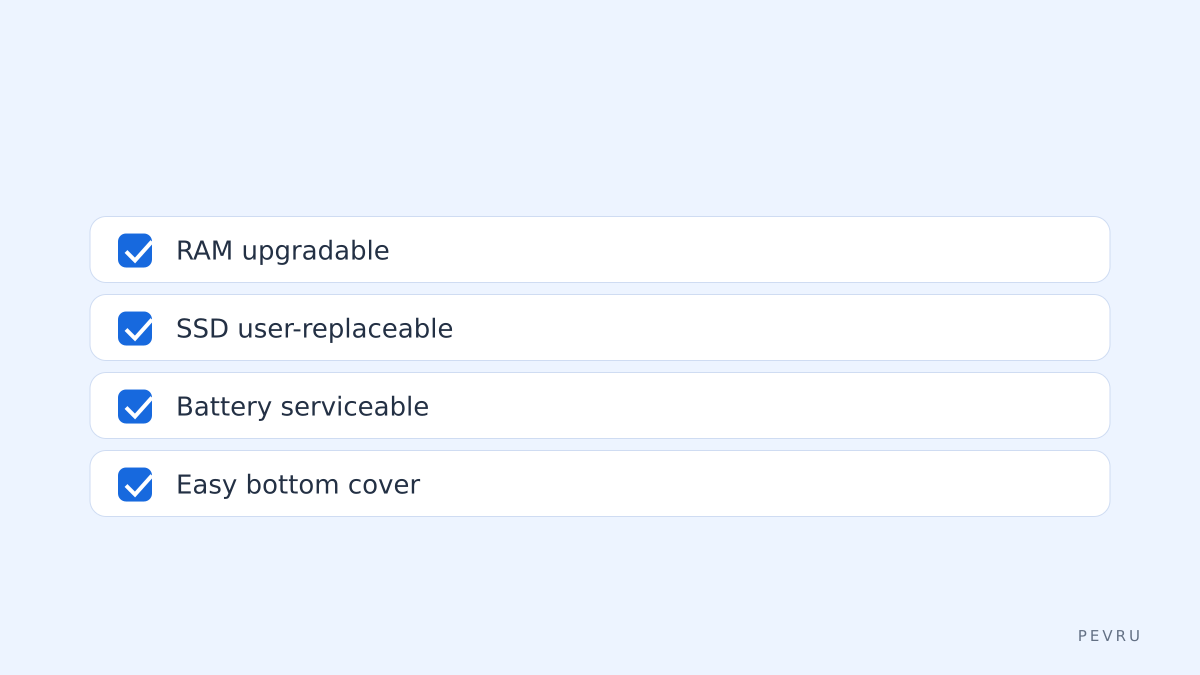
Check repairability and parts availability – search for manufacturer parts pages and third-party teardown guides.
Confirm RAM and storage upgrade paths – is RAM soldered? Is the M.2 slot user-accessible?
Look at battery replacement options – user-removable or serviceable by a small screw count?
Decide on CPU/GPU longevity – choose efficiency over highest single-core numbers if you need consistent battery life and thermals.
Factor warranty and on-site service – a two- or three-year carry-in/on-site warranty matters if parts are expensive.
Figure: quick checklist for buys
Shortlist – laptops that weight repairability and upgradeability
This is a shortlist focused on the core thesis, not raw benchmarks. Expect trade-offs: modular machines are sometimes heavier or less sleek.
Framework Laptop 13 and 16 – modular frame, user-replaceable modules and battery, clear parts store. Best when you want to upgrade ports, memory, and storage yourself. Caveat: not as thin as ultrabooks and third-party support varies by region.
System76 (Gazelle, Oryx Pro lineage) – Linux-friendly, repairable, and designed with replaceable storage and batteries. Good option if you prefer open firmware and easier repairs. Caveat: warranty procedures can differ if you run custom OS images.
Lenovo ThinkPad T or P series (select models) – long-standing business support, easy access to RAM and SSD on many models, robust chassis. Caveat: some newer ThinkPad SKUs solder RAM; check the exact SKU before buying.
Dell Latitude/Precision series – enterprise-focused with serviceable batteries and documented parts. Caveat: configurations vary; high-end configs may have soldered RAM.
Table – quick comparison of upgradeability and service traits
Model family | RAM user-upgradeable | SSD user-replaceable | Battery serviceable | Documentation & parts |
|---|---|---|---|---|
Framework 13/16 | High | High | High | Manufacturer parts store and community guides |
System76 (laptop family) | High | High | High | Direct support and spare parts |
Lenovo ThinkPad T/P | Moderate to High | High | Moderate | Good service docs; check SKU |
Dell Latitude/Precision | Moderate | High | Moderate | Enterprise parts available |
Apple MacBook (recent) | Low | Low | Low | Official repair channels only |
Note: "High/Moderate/Low" here is qualitative. Always verify the exact model spec sheet before purchase.
Decision rules and a simple scoring method
You can use a quick points system to compare options when you are between two models. Score 0–2 points per criterion.
Checklist for scoring:
RAM upgradeable: 2 if user-accessible slots, 1 if partially upgradable, 0 if soldered.
SSD replaceable: 2 if user-accessible M.2 or SATA, 1 if internal but nonstandard, 0 if soldered.
Battery replaceable: 2 if user-removable or simple serviceable, 1 if service-only through authorized service, 0 if glued and difficult.
Parts availability: 2 if manufacturer sells parts and community guides exist, 1 if limited, 0 if no parts sold.
Warranty/service options: 2 for easy on-site or long warranty, 1 for standard warranty, 0 for limited regional service.
Example: a candidate that scores 8–10 is a strong long-term buy; 5–7 is acceptable if you accept some compromises; under 5 means short-term or high-maintenance.
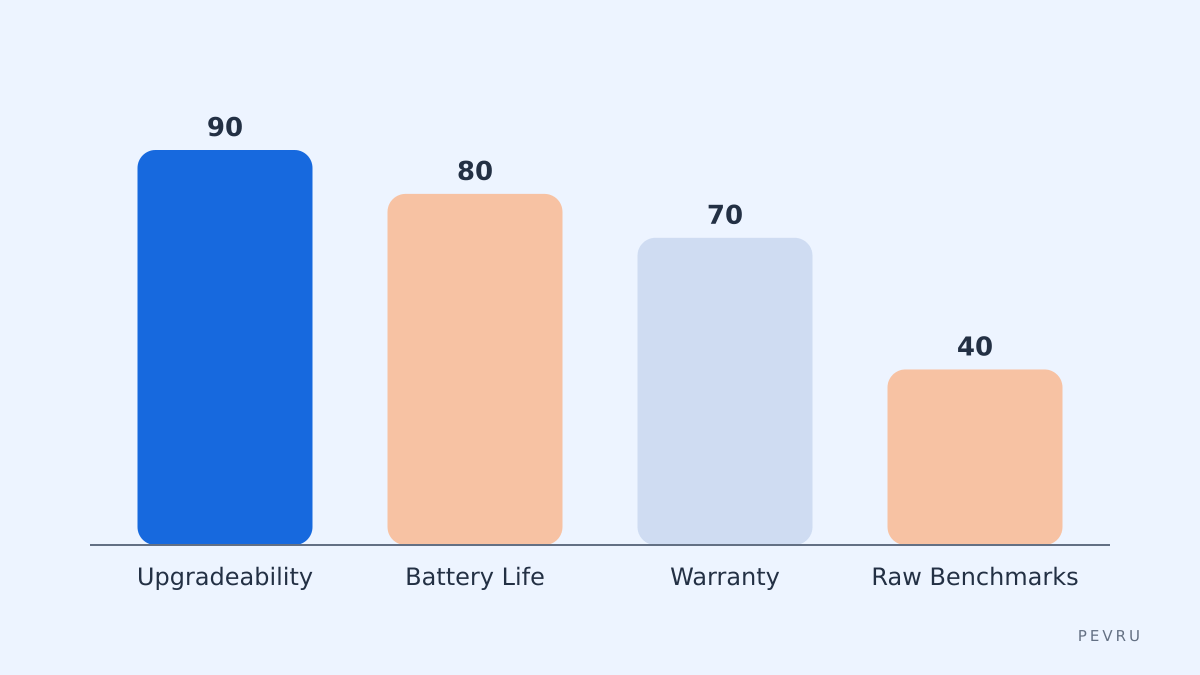
Figure: compare buyer priorities
How to test a machine in-store or on arrival
Concrete steps to verify the claims and avoid surprises.
In-store checklist (or ask seller for photos if buying online):
Ask to see the bottom cover removed or request images that show screw types and battery access.
Verify RAM slots physically or check the full spec sheet on the manufacturer's site. If RAM is soldered, confirm if the max configuration meets your future needs.
Check the SSD bay for M.2 2242/2280 compatibility; an M.2 slot is the simplest upgrade path.
Inspect the battery compartment: is it a single visible pack with a few screws or glued under multiple sheets?
Search for "model teardown" plus "iFixit" or "repair" to find community repair guides.
On arrival, first 30 minutes:
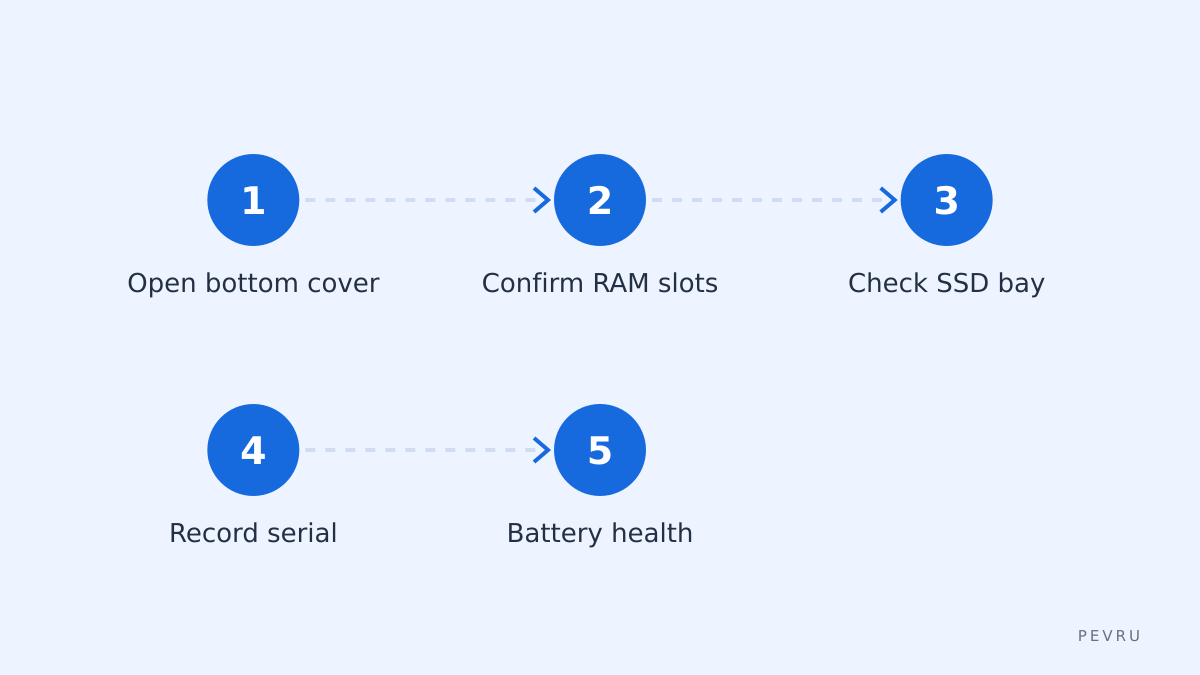
Verify the physical access (open bottom cover with correct screwdriver).
Confirm serial number and parts availability online.
Run a battery health check and record cycle count.
Photograph internals for future repairs.
Figure: step-by-step unpack and inspect
Common mistakes to avoid
Choosing a thin-and-light ultrabook solely for looks. Many thin designs solder RAM and glue batteries.
Assuming "business" or "pro" model always means upgradable. Vendors sometimes mix soldered and modular SKUs.
Buying a faster CPU to avoid upgrading later. CPU upgrades in laptops are rare and typically impossible.
Ignoring spare part channels. If manufacturer or third-party vendors do not sell spare parts, repairs become costly.
Final tips and trade-offs to accept
Weight vs repairability: modular designs can be heavier. Decide if you prefer portability or serviceability.
Battery life today is a moving target. Prioritize replaceability over a marginally longer runtime from a newer efficiency chip.
OS and firmware matters: machines with open boot firmware ecosystems (System76, some ThinkPads) are easier to maintain for long-term use.
Warranties add value. A longer or on-site warranty reduces downtime and can be worth the premium.
Keep a personal parts folder: serial numbers, photos of internals, and links to the spare parts pages for your exact model. That saves time and money if you need a battery or SSD in two years.
Sources
https://frame.work
https://www.ifixit.com/Device/Framework_Laptop
https://system76.com/laptops
https://support.apple.com