Notta vs Otter: Which Transcription Tool Handles Meetings in More Than One Language
For teams that switch between languages mid-call, the Notta vs Otter question comes down to three things: language coverage, speaker labels and export formats. Here is how they compare on each, plus a meeting-to-notes workflow.

Some links in this article lead to partner services. If you make a purchase there, the site may receive a commission; this does not affect the price or our assessment.
If everyone on your calls speaks English, Notta and Otter are close enough that you can pick on price. The picture changes the moment a meeting drifts between languages: a Spanish-speaking client, a German engineer, a founder who answers in Japanese and then summarises in English. This piece looks only at that case, because it is where the two tools diverge most.
The short version
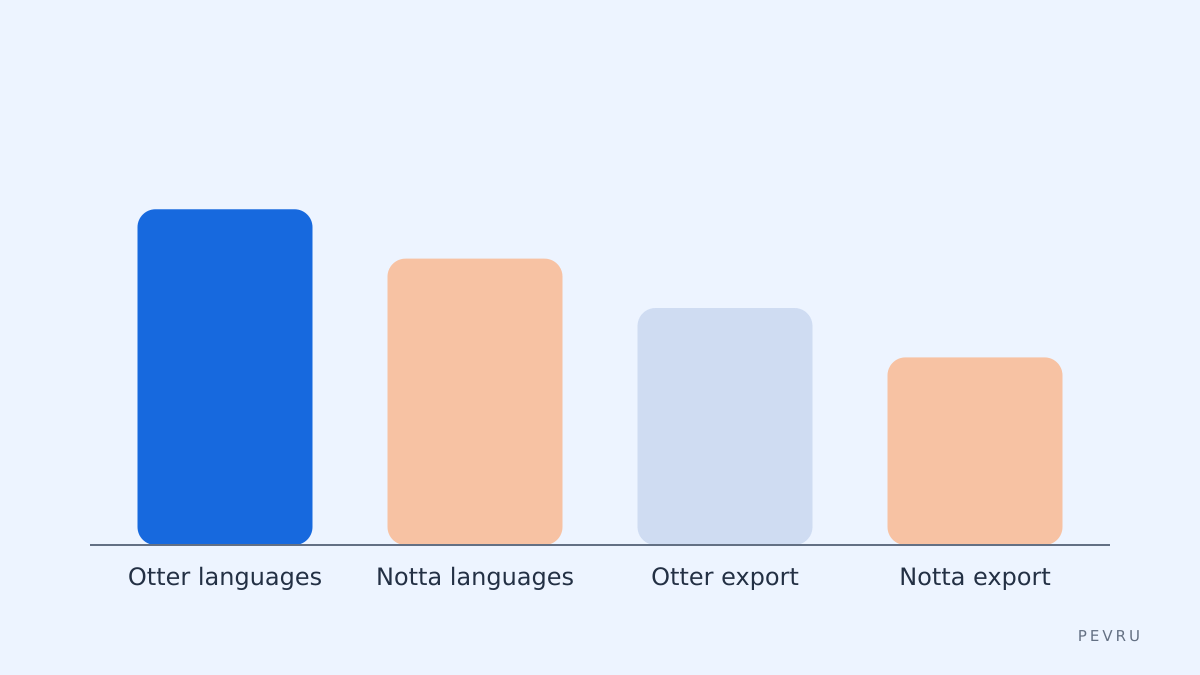
Otter transcribes in a fixed set of six languages and expects one language per conversation, chosen in settings before you start. Notta advertises transcription in 58 languages and sells a bilingual mode that captures two languages in the same recording. If your meetings are genuinely mixed, that single difference will decide it for you.
Everything else, from speaker labels to export formats, is a matter of which plan you are on.
Language coverage
Here is what each vendor publishes at the time of checking.
Otter lists English, Spanish, French, German, Japanese and Chinese (Simplified) on its pricing page. Its own announcement of the French and Spanish launch explains the mechanism: you select the language on the Settings page, Otter transcribes in that language, and later recordings default to it. Speakers need to talk in the language you selected for the transcript to be accurate.
Notta states 58 supported languages for transcription on its homepage and lists bilingual transcription (two languages at once) and bilingual translation (original and translation side by side) as paid add-ons on the pricing page.
What this means in practice:
A call held entirely in one of Otter's six languages works fine in either tool.
A call in Portuguese, Korean, Vietnamese or any language outside Otter's six is only a Notta job.
A call that switches languages mid-sentence is only handled well by Notta's bilingual mode, and even then you should expect the occasional mislabelled phrase.
Speaker labels and the bilingual problem
Speaker identification is the second thing bilingual teams care about, because a transcript that cannot tell you who said the German part is not much use.
Otter includes speaker identification by name on its paid tiers. Notta lists speaker identification on all plans, including the free one. Neither vendor publishes accuracy figures for speaker separation in mixed-language calls, so the honest position is: both label speakers, both will occasionally merge two voices, and you should check names on the first transcript with a new group.
One habit helps both tools: ask participants to introduce themselves by name in the first minute. It gives the speaker model a clean sample per voice.
Export formats and where the notes go
The third question is what leaves the tool. Bilingual teams often need subtitles (SRT) for recorded calls, Word files for clients, and a copy in the team wiki.
Capability | Otter | Notta |
|---|---|---|
Transcription languages | 6 (English, Spanish, French, German, Japanese, Chinese Simplified) | 58 advertised |
Two languages in one recording | Not supported; one language per conversation | Bilingual transcription add-on |
Translation of transcript | Not listed on the pricing page | Paid plans; bilingual translation add-on |
Speaker identification | Paid tiers | All plans |
Export on free or entry plan | mp3, txt | Export unlocked from Pro |
Export on business plan | mp3, txt, pdf, docx, srt, bulk export | Transcript export and translation |
Meeting bots | Zoom, Microsoft Teams, Google Meet | Zoom, Google Meet, Microsoft Teams, Webex |
Free plan | 300 minutes a month, 30 minutes per conversation | 120 minutes a month, 3 minutes per conversation |
Destinations | Shared notes and channels | Google Drive, Notion, Slack, Salesforce integrations |
Figures are taken from the two pricing pages at the time of checking; plan limits change often, so confirm before committing a team.
Two details stand out. Otter's free plan is more generous in minutes but restricts exports to audio and plain text, so subtitles and Word files need the Business tier. Notta's free plan is really a demo because of the three-minute cap per conversation, and useful exports start at Pro.
A meeting-to-notes workflow for two languages
Here is how I would set this up for a team that runs client calls in English and Spanish and sometimes both.
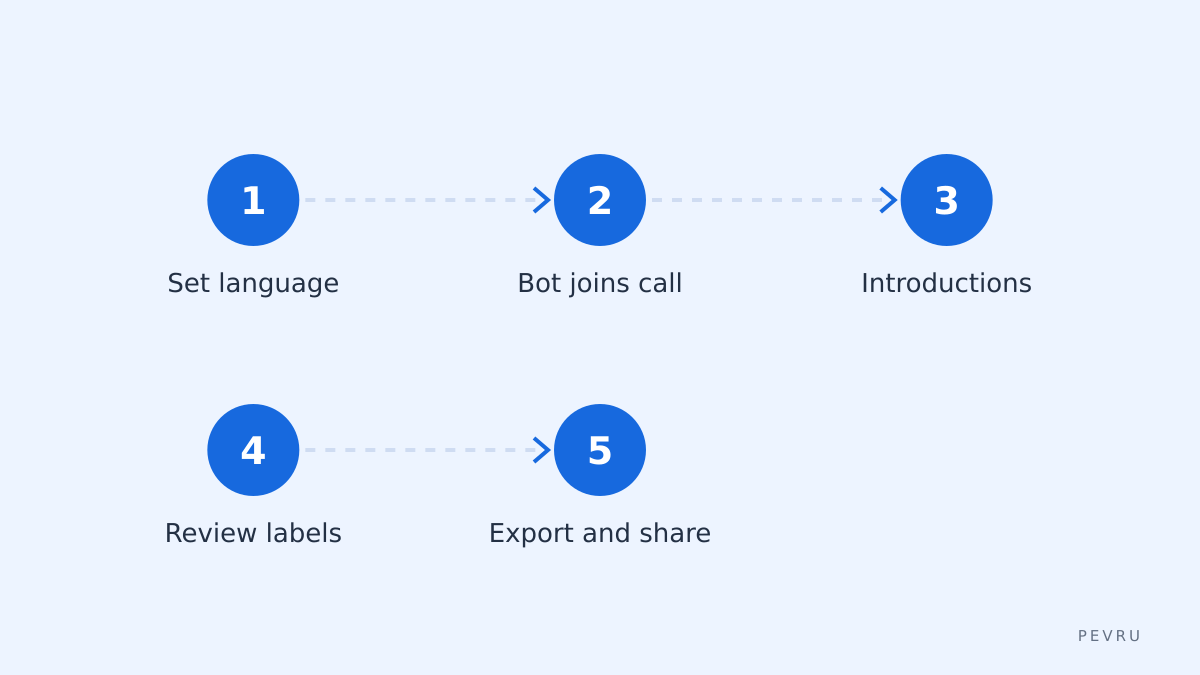
Decide the primary language before the call. In Otter, set it in Settings. In Notta, choose the language pair if you have the bilingual add-on, or the single language if not.
Let the bot join. Both tools can join Zoom, Teams and Google Meet automatically; Notta also lists Webex. Tell participants a recorder is present; in many jurisdictions this is a legal requirement, not a courtesy.
Names first. Thirty seconds of introductions gives you clean speaker labels.
Review within the hour. Fix the two or three mislabelled speakers and the inevitable product names while the meeting is fresh.
Export in the format the reader needs. SRT for the recording, DOCX for the client, and a push to Notion or Slack for the team if you are on Notta and use its integrations.
Translate last, not first. Translation applied to a clean transcript is far better than translation applied to a raw one.
Honest limitations
Notta's bilingual mode is an add-on rather than part of the base plan, so the real cost for a mixed-language team is higher than the headline Pro price. Its free tier is too short per conversation to evaluate a real meeting; plan on the trial period of a paid plan instead. And a 58-language list says nothing about quality per language; accuracy for widely spoken languages is typically better than for smaller ones, and you should test yours.
Otter's limitation is structural: six languages, one per conversation. For an English-only team it is a very polished product with a generous free tier and good meeting bots. For a multilingual team it is the wrong shape.
If neither fits, the built-in transcription in Microsoft Teams or Google Meet covers basic single-language notes without an extra subscription, and Descript is a strong choice if editing the recording matters more than live meeting notes.
Which one, then
English-only, or one of Otter's six languages per call, and you want the most free minutes: Otter.
Any language outside that list: Notta.
Calls that mix two languages, and you need SRT or DOCX for clients: Notta on a paid plan with the bilingual add-on, tested on one of your own recordings before you roll it out.
Whichever you pick, the workflow above matters more than the tool. A transcript that nobody reviews within the hour becomes a file nobody reads.