Blinkist login – 3 quick checks before you pay (trial options)
Log into Blinkist with email, Google, or Apple; check the 7-day trial and your reset path. Includes a table of options, step-by-step login checks, common traps, and a short FAQ.
Some links in this article lead to partner services. If you make a purchase there, the site may receive a commission; this does not affect the price or our assessment.
You can log into Blinkist with an email/password or via Google or Apple; Blinkist offers a 7-day free trial on eligible plans, and you can cancel before the trial ends to avoid charges (see Blinkist pricing). Below you get a compact checklist, a comparison table of common login routes, step-by-step fixes, and the traps to avoid.
In short – key takeaways
Trial first: try the Blinkist trial plan if you want to sample summaries for 7 days without immediate payment; cancel inside account settings before the trial ends to avoid billing.
Quick recovery: use the "Forgot password" flow on the Blinkist login page if email login fails; check spam and allow emails from @blinkist.com.
Social sign-ins: Google or Apple sign-in links to a Blinkist account; if you later set a password, use the account settings to add one.
Device limits and sharing: Blinkist personal subscriptions are tied to a single account; if you need family access, plan to buy separate subscriptions or discuss group access with Blinkist support.
If you want a fuller comparison of whether Blinkist fits your study goals, see Blinkist review – 3 quick checks before you subscribe and Is Blinkist Worth It? Who Book Summaries Help and Who They Shortchange.
What exact login options does Blinkist offer and which should you pick?
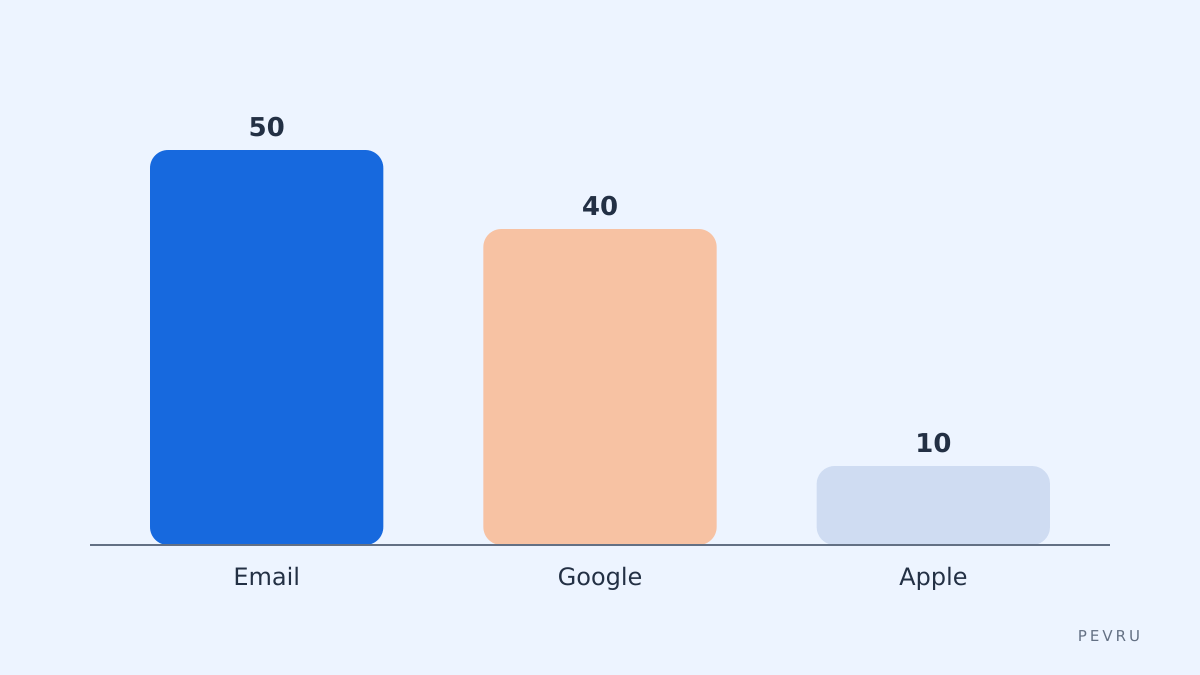
Blinkist supports three common routes: email/password, Sign in with Google, and Sign in with Apple. Email login is best if you want a standalone account you control; set a strong password and enable password manager storage. Google sign-in is fastest if you trust your Google account security; it avoids a separate password but ties Blinkist access to that Google account. Apple sign-in is useful on Apple devices for minimal profile sharing. The Blinkist login page shows these choices and the "Forgot password" link; use it to reset a password via the reset email if needed. If your account was created via Google or Apple, the "Forgot password" flow will not set a password unless you explicitly add one in account settings afterwards.
Quick comparison table – choose the route for your case
Option | Who it suits | Key number | Main drawback |
|---|---|---|---|
Email and password | Users who want separate credentials and password managers | Reset link valid via email | You must manage one more password |
Sign in with Google | People using Google as primary identity | One-click sign-in on devices | Access lost if Google account is disabled |
Sign in with Apple | iOS/macOS users who prefer minimal data shared | Hide-my-email relay option | Harder to recover if Apple ID is locked |
Table note: pricing and trial details appear on the Blinkist pricing page; check the trial terms on the account sign-up flow for exact eligibility. The comparison helps you decide whether to add a password after social login or keep the social provider as single point of sign-in. One honest limitation of Blinkist is that family sharing is not bundled with a single personal plan; an alternative for shared household access is using a service with built-in family plans.
Step-by-step: how to log in and fix common failures
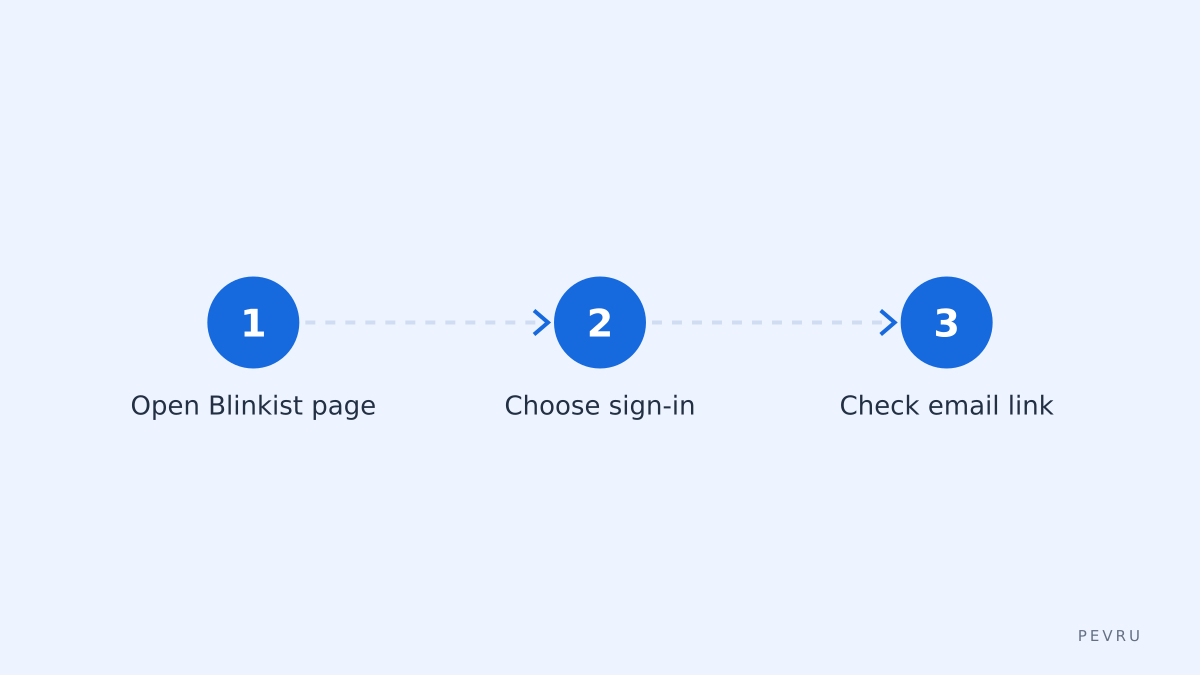
Open the Blinkist login page and pick a method – email, Google, or Apple.
If using email, enter the address you used to sign up and click "Forgot password" if unsure; watch for an email from @blinkist.com and check spam.
If using Google or Apple, make sure that account is active and two-factor authentication is available; complete the provider's consent screens.
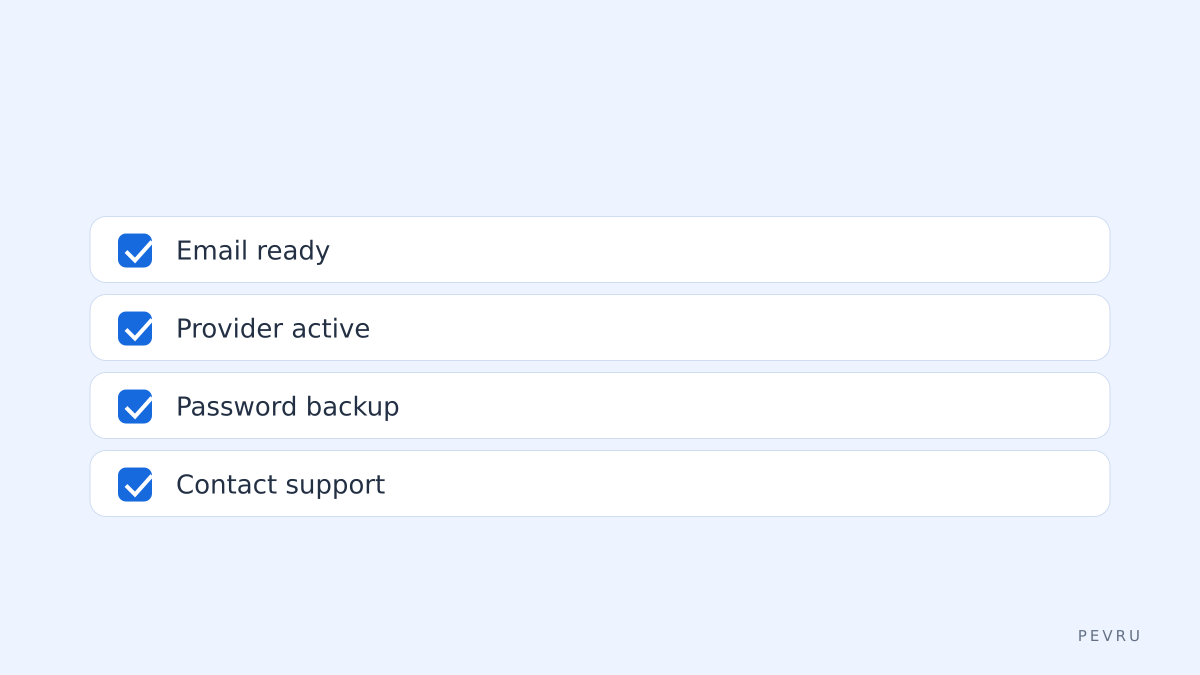
If you can sign in but want a backup password, open Account settings → Security → Set password (or similar) to add an email/password fallback.
For persistent issues, contact Blinkist help via their help center; include the email used and a screenshot of any error.
What billing or trial traps affect login and account access?
A common trap is associating a social sign-in with a different email than you expect; that creates multiple accounts. Before subscribing, confirm the email shown in Account settings is the one you check. Another trap is automatic renewal: after the 7-day trial ends, your chosen payment method is charged unless you cancel. If you cancel but still can sign in, check whether cancellation was processed in Account settings and that no duplicate account exists under another provider. If you change email addresses with Google or Apple, update your Blinkist account to avoid losing access.
How to decide if Blinkist login flows fit your learning workflow
If you switch devices often and prefer password managers, use email/password to keep a single credential you control. If you value speed and device ecosystem integration, use Google or Apple sign-in. If you share a device, log out after sessions to prevent others accessing your saved highlights. For evaluating Blinkist as a time-saving tool, compare the free trial experience to a short reading sprint: try the Blinkist trial plan for a focused 7-day review, then decide whether to subscribe monthly or yearly based on how many titles you complete.
FAQ about blinkist login
Q: Can I use Blinkist without creating an account? A: No, you must create a Blinkist account to save highlights, track progress, and access the trial; sign-in options include email, Google, and Apple. If you only preview content, some blurbs may be visible without login on the Blinkist homepage.
Q: I signed up with Google but want an email password – how do I add one? A: Sign into Blinkist via Google, open Account settings, and add a password or secondary email in Security settings so you can log in directly with email/password later.
Q: I did not receive the password reset email. What next? A: Check spam and your email filters; if still missing, confirm which email you used to sign up. If problems persist, contact Blinkist help with the email and any error messages.
Q: Will logging in on multiple devices log me out elsewhere? A: Blinkist allows signing in on multiple devices; it does not automatically log you out when you sign in elsewhere, but account activity is tied to one subscription and one account.
Q: How do I cancel the trial to avoid charges? A: Open Account settings → Manage subscription and cancel the trial before the trial end date; confirm cancellation and check for a confirmation email from Blinkist.
Decision rule: If you want to test Blinkist quickly, sign up with the Blinkist trial plan using the email you check daily, then cancel within 7 days if it does not save you time.
Related reading: Blinkist review – 3 quick checks before you subscribe, Is Blinkist Worth It? Who Book Summaries Help and Who They Shortchange
Sources
https://www.blinkist.com/en/nc/pricing/
https://www.blinkist.com/en/nc/login
https://www.blinkist.com/en/
https://www.blinkist.com/en/nc/help