ClevGuard promo code: extra 20% off and what to check before parental monitoring
ClevGuard's current code gives an extra 20% off site-wide. Before buying any monitoring app, check the law and consent rules where you live: here is how I would use the code for parental control on a child's device you manage, and what to avoid.

Some links in this article lead to partner services. If you make a purchase there, the site may receive a commission; this does not affect the price or our assessment.
The current ClevGuard code is shown in the block right under the title. As of 8 October 2026 it gives an extra 20% off site-wide, valid worldwide, and the store notes that the promo code must be entered to get the discount. The store also lists several deals without a code.
Before the code, one point matters more than any discount. Monitoring apps are legal to use only in specific situations. In many countries, installing monitoring software on another adult's phone without their knowledge is a criminal offence. This article covers only the lawful use most parents have in mind: parental control on a device that belongs to your minor child.
When monitoring is appropriate
Situation | Generally acceptable? | What to do |
|---|---|---|
Your minor child's phone that you provide | Often yes, depending on local law | Explain it to the child, set clear rules |
A teenager close to adulthood | Depends on local law and consent | Talk first; prefer built-in family controls |
Another adult's phone, including a partner | No, without explicit consent | Do not install |
A work phone you issue | Only under employment and privacy law | Get legal advice and written consent |
Check the rules in your country before installing anything. Built-in tools on phones and app stores often cover screen time and content filters without a third-party app.
How I would use the code
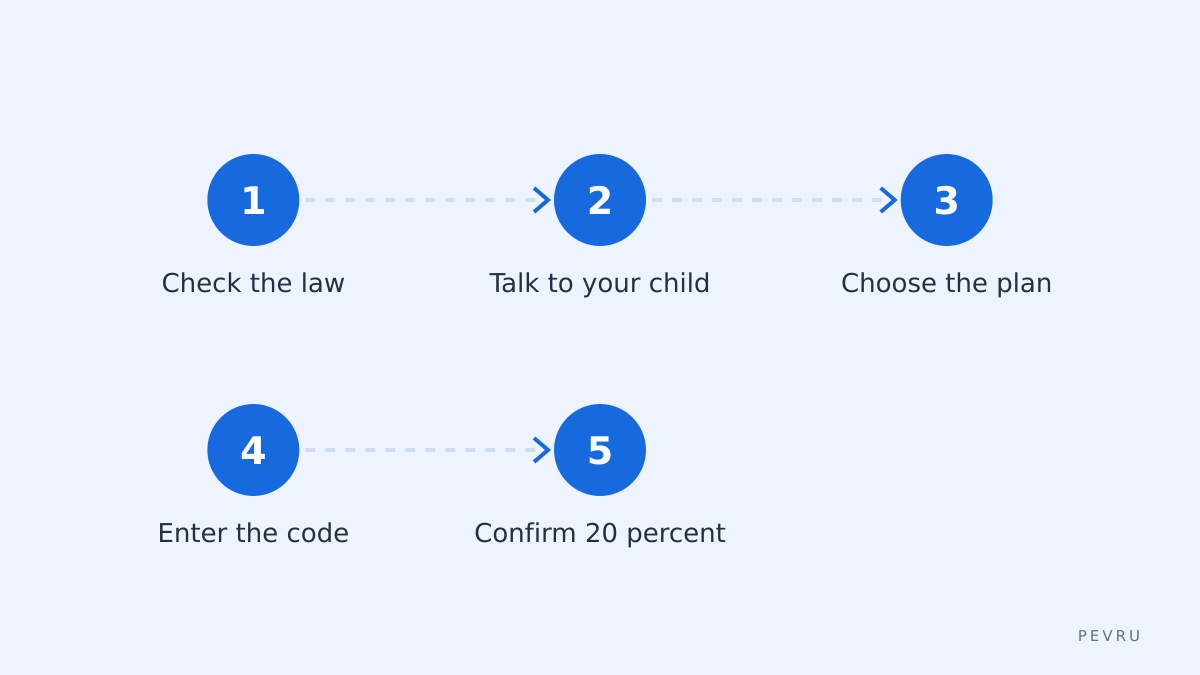
Once you are sure the use is lawful and you have talked to your child, choose the plan, copy the code from the block above and open the store with the button next to it. Enter the code at checkout and confirm that the extra 20% appears. You can also open ClevGuard and compare plans first.
What can stop the code
Code not entered. The store states the code is required.
Other offers. A deal already applied to the plan may not combine with the code.
Plan type. Some plans or renewals may be outside the code; the cart shows the result.
Questions to ask before paying
Does the plan renew automatically, and at what price?
How is the collected data stored and who can access it?
Can you remove the app completely when it is no longer needed?
Common questions
Is the 20% on top of a sale price? It is described as extra; the cart shows whether it stacks.
Can I use it on a renewal? Renewals are often priced separately; check in your account.
Is there an end date? None is announced; the block above updates several times a day.
Before paying
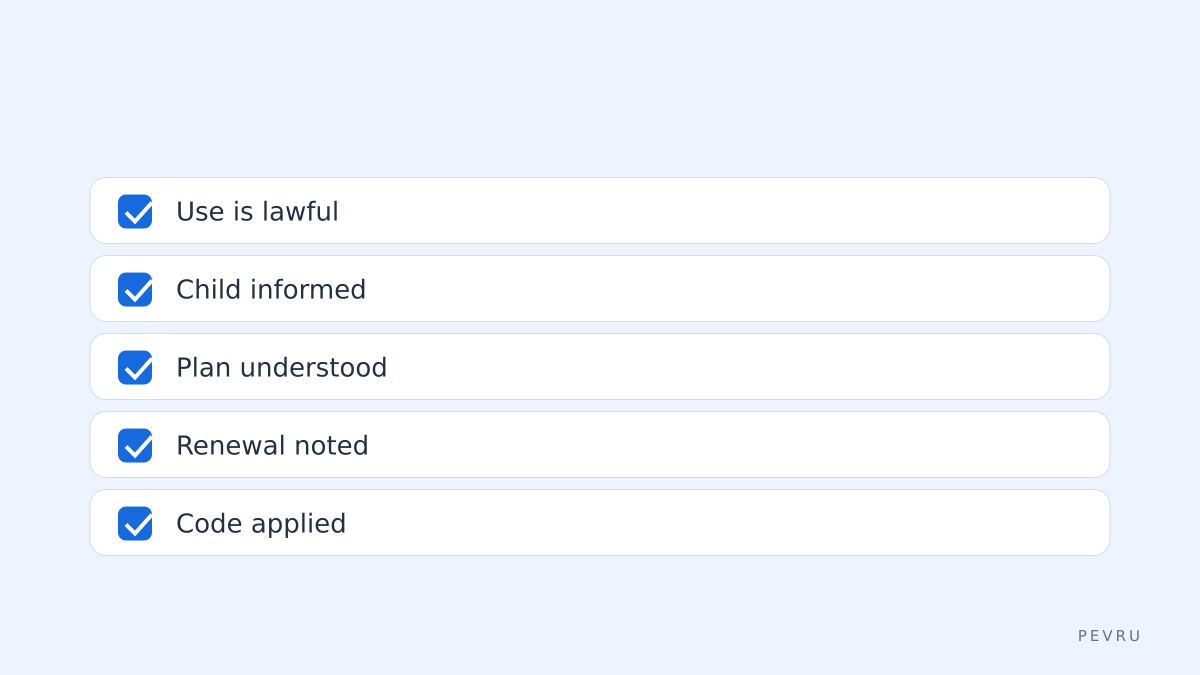
your use is lawful where you live;
your child knows about the rules;
you understand the plan and its renewal;
the extra 20% shows in the total.
If all of that holds, continue on ClevGuard. The store sets the final terms of the offer.