HyperHost promo code: lifetime 10% on hosting and VPS, 50% on VPN
HyperHost publishes two lifetime codes: 10% off hosting and VPS on the first order and every renewal, and 50% off a new VPN plan for one month, six months or a year. How I would decide whether a lifetime discount changes the hosting choice.

Some links in this article lead to partner services. If you make a purchase there, the site may receive a commission; this does not affect the price or our assessment.
The current HyperHost codes are in the block right under the title. As of 8 October 2026 the provider publishes two lifetime offers valid worldwide: a permanent 10% off hosting or VPS, applied to the first order and to every renewal, and 50% off HyperHost VPN when you order a new plan for one month, six months or a year. Each offer is listed in English and Ukrainian versions; the block shows whichever are current.
Why "lifetime" matters for hosting
Most hosting discounts apply only to the first term, and the renewal price is where the real cost lies. A code that also applies to every renewal changes the long-term arithmetic.
Offer | Applies to | Long-term effect |
|---|---|---|
10% lifetime | Hosting or VPS, first order and every renewal | Lowers the price every year |
50% on VPN | New VPN plan for 1, 6 or 12 months | Halves the price of the plan you order |
On hosting that costs, say, the equivalent of $60 a year, 10% saves $6 every year for as long as the site runs, which adds up over three or four years.
How I would apply it
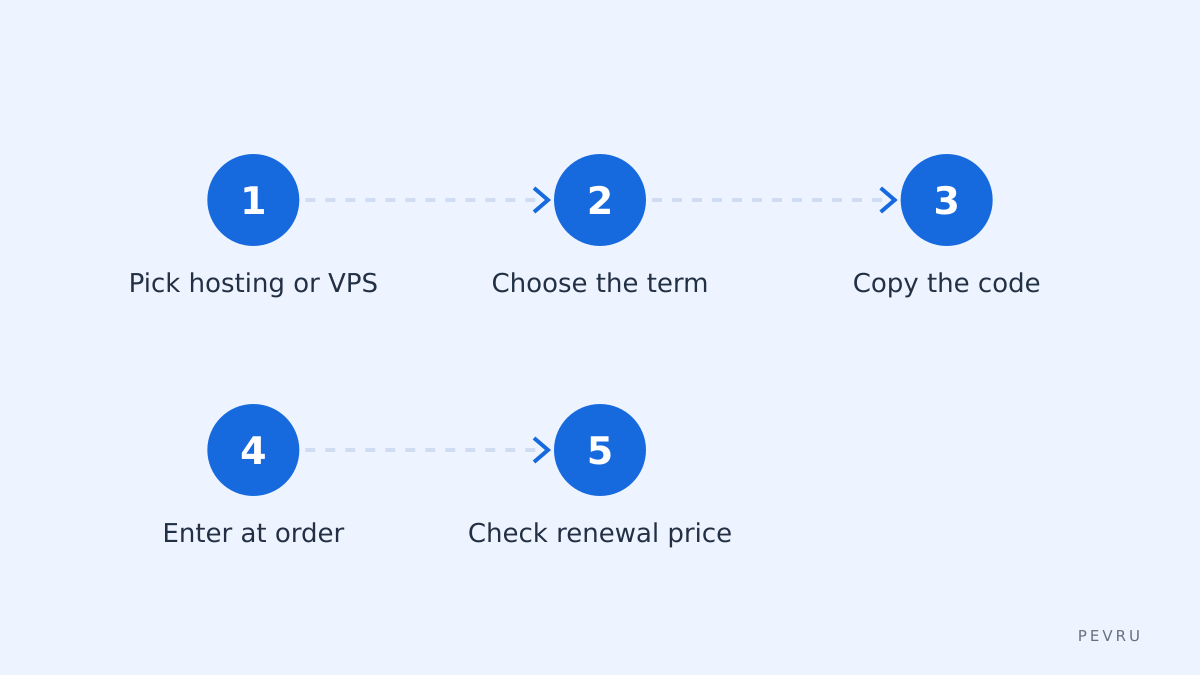
Pick the hosting plan or VPS, choose the term, copy the code from the block above and open HyperHost with the button next to it. Enter the code when ordering and check how the renewal price is shown in your account afterwards. You can also open HyperHost and compare plans first.
What to check before choosing a host
A discount should not decide a hosting provider. Check where the servers are located relative to your audience, the PHP and database versions supported, backup frequency and how restores work, support hours and languages, and whether migration from your current host is offered. For a VPS, check the resources guaranteed, the virtualisation type and whether management is included.
What can stop the code
Service type. The 10% code is for hosting and VPS; the 50% code is for VPN.
New VPN plan. The 50% applies to a new plan order.
One code per order.
Moving an existing site
If you already have a site elsewhere, the move is where most problems happen. Before ordering, check whether the provider offers free migration, and plan the switch for a quiet day. Lower the DNS record lifetime a day in advance, copy files and the database, test the site on the new server through a temporary address, and only then change the DNS. Keep the old hosting active for a few days until everything is confirmed, so that a forgotten email box or cron job does not disappear with it.
Common questions
Does the 10% really apply to renewals? The provider describes it as a lifetime discount for the first order and every renewal.
Can I use both codes? They cover different services, so one per order for each service.
Will the offers end? No end date is announced; the block above updates several times a day.
Before paying
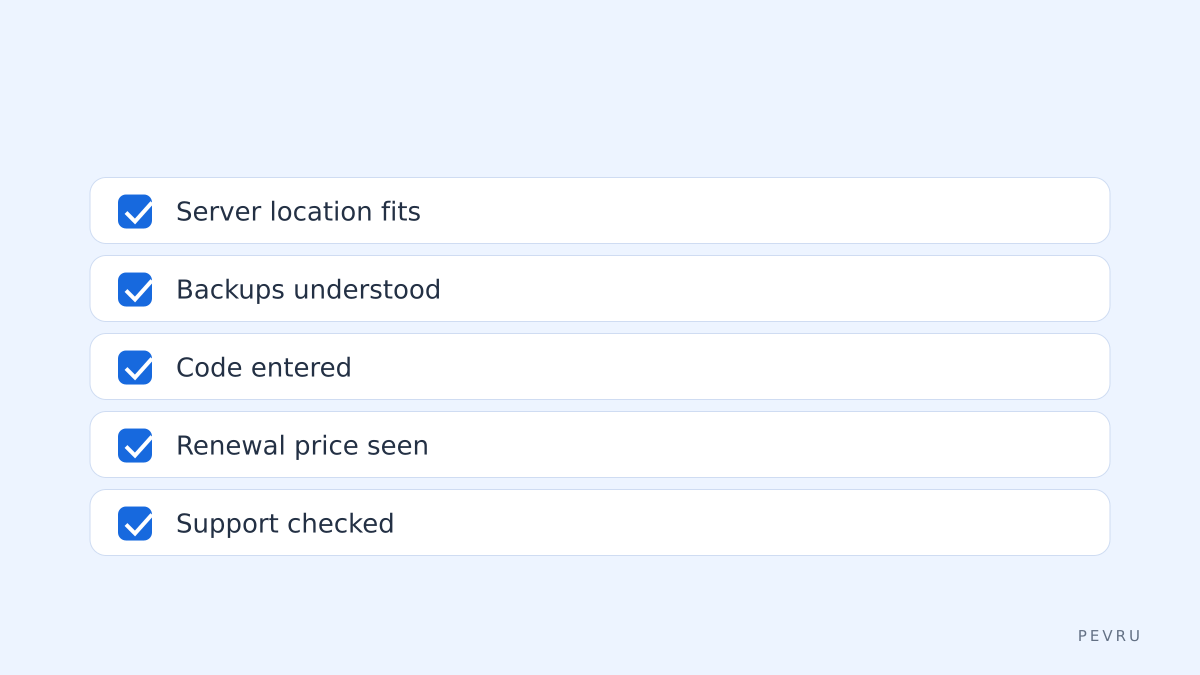
server location suits your audience;
backups and restores are clear;
the discount applies at order;
the renewal price with the discount is visible.
When everything fits, order from HyperHost. The provider sets the final terms.