Movavi promo code: 15% off one-year licences and when to use it
Movavi's current code takes 15% off every product with a one-year licence on movavi.com, and a fresh code replaces it each month. What the discount covers, what it does not, and how I would check the price before buying a video editor licence.

Some links in this article lead to partner services. If you make a purchase there, the site may receive a commission; this does not affect the price or our assessment.
The current Movavi code is shown in the block right under the title. As of 8 October 2026 the store publishes a standard 15% discount on all products with one-year licences on movavi.com, valid worldwide. Movavi issues this code in monthly versions: one listed code runs until 15 October 2026 and the next until 15 November 2026, so the block always shows whichever is valid today.
What the 15% covers
Licence type | Covered by the code | Note |
|---|---|---|
One-year licences, all products | Yes | As stated by the store |
Lifetime or perpetual licences | Not stated | Check at checkout |
Bundles and suites | Only if sold as one-year licences | The cart shows whether it applies |
Purchases outside movavi.com | No | The code is for the official store |
For a one-year video editor licence, 15% is a straightforward saving. If you are choosing between a yearly and a lifetime licence, compare the lifetime price with roughly three years of the discounted yearly price, and decide by how long you expect to edit video.
How I would apply it
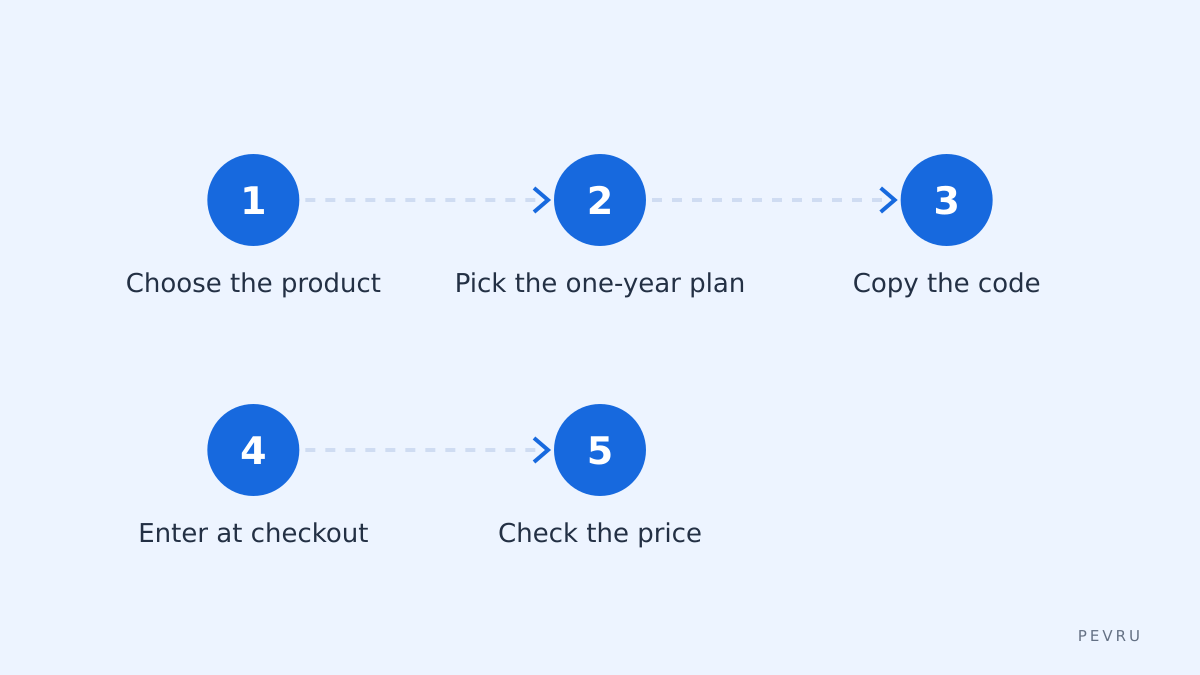
Pick the product and the one-year licence, copy the code from the block above and open the store with the button next to it. Enter the code at checkout and compare the price before and after. Or open Movavi directly and apply the code at the payment step.
What can make it fail
Licence term. The code is for one-year licences, as the store describes it.
Store. It applies on movavi.com, not on marketplaces or resellers.
Expired monthly version. An old code stops working when its month ends; use the one in the block.
Other promotions. During a sale the store may already show a bigger discount; the cart applies one or the other.
Is a licence the right choice
Before paying, try the free trial if the product offers one and export a short clip in the format you need. Check that your computer meets the system requirements and that the features you rely on, such as screen recording or specific export presets, are in the edition you are buying. A discount on the wrong edition is still money spent.
Common questions
Does the code renew automatically with the licence? The 15% applies to the purchase you make with it. Whether a renewal is discounted depends on Movavi's renewal terms at that time, so check the renewal price in your account before the year ends and decide then.
Can I use it for a business licence? The store describes the code as valid for all products with one-year licences. If a business edition is sold as a one-year licence on movavi.com, the cart will show the discount; if it does not, that edition is outside the offer.
Why does the price differ from what a friend paid? Prices can vary by country, currency and tax, and the store may run its own sale. Compare the final total in your cart rather than the number in a headline.
Before paying
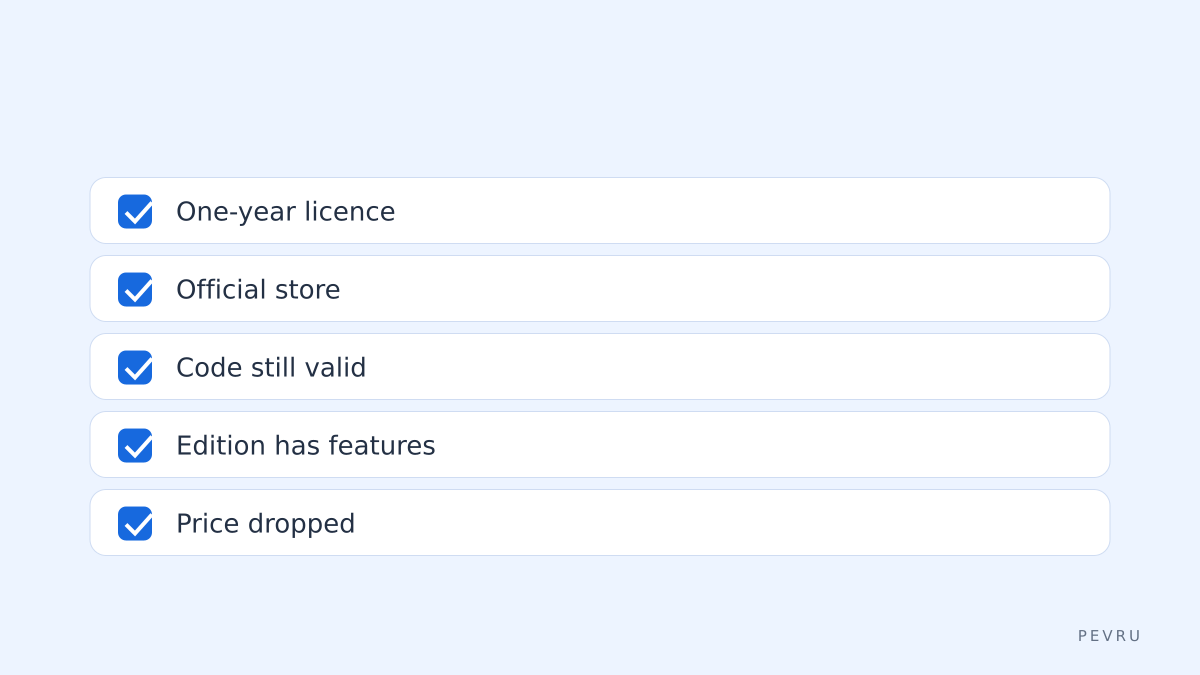
the licence in the cart is a one-year licence;
you are on movavi.com;
the code in use is the current monthly one;
the edition includes the features you need;
the total is lower after the code.
When everything fits, buy the licence on Movavi. If the code is refused, the block above will show the next valid version; Movavi sets the final terms.