PDFelement as an Adobe Acrobat Alternative: What Works and What You Will Miss
A task-by-task look at PDFelement versus Adobe Acrobat Pro for freelancers and small teams: editing, OCR, forms, signing, redaction and comparison, with the gaps stated as plainly as the savings.

Some links in this article lead to partner services. If you make a purchase there, the site may receive a commission; this does not affect the price or our assessment.
Most people who search for PDFelement vs Adobe Acrobat Pro already pay for Acrobat and are wondering whether the cheaper tool does the same job. The useful answer is not a score. It is a list of the tasks you actually do with PDFs, and for each one, whether PDFelement handles it, handles it differently, or does not handle it at all. Here is that list, followed by what the switch costs and what it saves.
How the two are priced
Adobe sells Acrobat as a subscription. At the time of checking, the individual Standard plan is listed at US$14.99 a month and Pro at US$19.99 a month, both on an annual commitment billed monthly. Pro is the tier that adds OCR into editable text, document comparison, redaction, web forms and bulk e-signature requests, which is why small teams usually end up on it.
PDFelement is sold by Wondershare with more options: a quarterly plan, an annual plan and a perpetual licence for the current major version. On the Windows store page at the time of checking the annual auto-renewing plan is listed at US$89.99 a year and the perpetual licence for the current version at US$139.99 one-time, with lower promotional prices shown alongside. Paid plans include 100 GB of PDFelement Cloud storage and a monthly allowance of AI uses. The unregistered trial saves files with a watermark.
Two structural differences matter more than the numbers. First, PDFelement offers a perpetual licence and Acrobat does not; if you dislike renewing, that alone may decide it. Second, a perpetual licence buys the current major version, so a future major release will cost an upgrade fee, whereas the Acrobat subscription always runs the latest release.
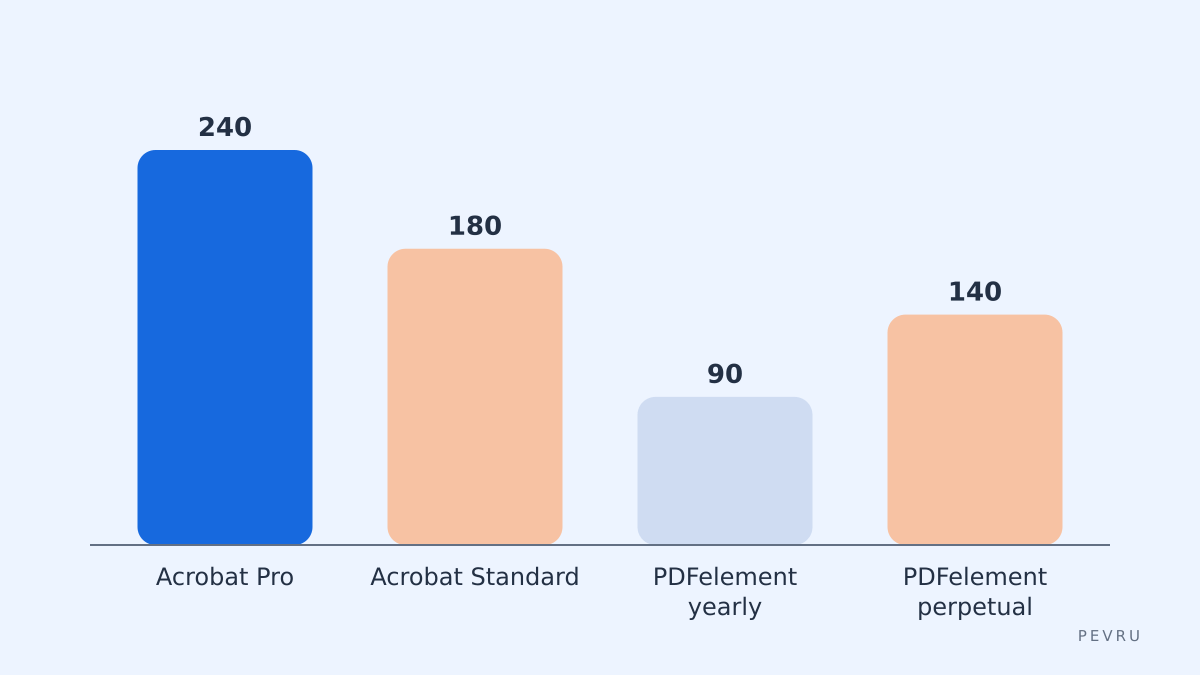
Chart values are the list prices above multiplied out to a year, rounded; the perpetual bar is a one-time payment shown against a single year for scale.
Task by task
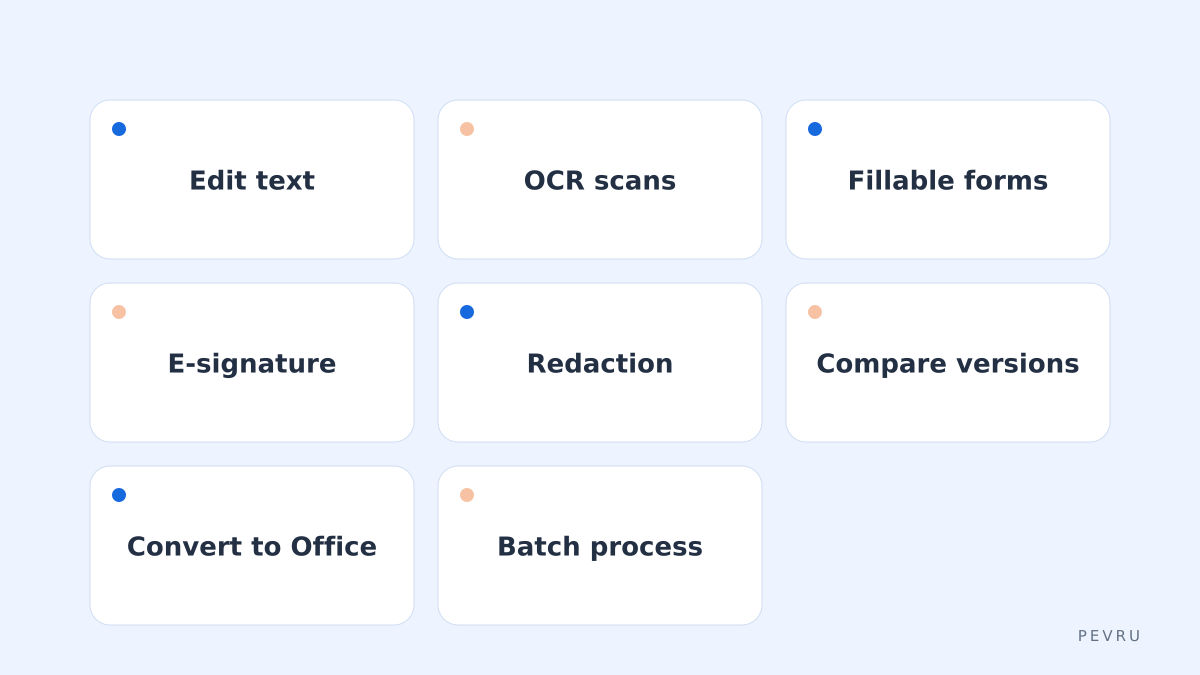
Here is how I would test the switch: take the six things a freelancer or small team does most, and check each one in the PDFelement trial on your own files before cancelling anything.
Task | Acrobat Pro | PDFelement | Verdict |
|---|---|---|---|
Edit text and images in an existing PDF | Yes, strong font matching | Yes, edits paragraphs with formatting preserved | Works |
OCR a scanned contract into searchable text | Yes | Yes, 26 recognition languages listed | Works |
Create a fillable form | Yes, plus hosted web forms | Yes, with automatic field recognition and bulk data extraction | Works, no hosted web form |
Sign and request signatures | Adobe Acrobat Sign built in, bulk send | Certificate-based e-signature with bulk sending and tracking | Works, different ecosystem |
Redact sensitive data | Yes, with search and pattern redaction | Yes, with automatic detection of sensitive data | Works |
Compare two versions | Yes | Yes | Works |
Convert to and from Office formats | Yes | Yes, Word, Excel, PowerPoint and images | Works |
Batch process many files | Yes (Action Wizard) | Yes | Works |
Preflight and print production | Yes | Not a focus | Missing |
Accessibility tagging and checking | Full toolset | Basic | Weaker |
Deep Microsoft 365 and enterprise integration | Yes | Cloud and mobile apps, fewer enterprise hooks | Weaker |
What works
On the everyday tasks, the honest verdict is that PDFelement covers the list. Text editing in an existing PDF is the single most common reason people pay for Acrobat, and PDFelement does it well enough that most invoices, proposals and lightly edited contracts will never reveal the difference. OCR in 26 languages handles the scanned receipts and signed paperwork that freelancers accumulate. Forms, redaction and comparison are all present, which surprises people who assume those are Pro-only luxuries.
The platform spread is also complete: Windows, Mac, iOS, Android and a web editor, with cloud storage bundled into paid plans. For a two-person studio that sends contracts from a laptop and countersigns them on a phone, that is enough.
What you will miss
This is the part most comparisons soften, so here it is plainly.
Adobe Acrobat Sign. If your clients are used to signing through Adobe's hosted flow, or your accountant's systems integrate with it, PDFelement's e-signature is a different service with its own audit trail. It works, but it is a change for the people on the other side of the document.
Hosted web forms. Acrobat Pro can publish a form as a web page and collect responses; PDFelement creates fillable PDFs and extracts their data but does not host them.
Print production. Preflight, colour separation and prepress checks are Acrobat territory. Anyone sending files to a commercial printer should stay.
Accessibility. Acrobat's tagging, reading-order and checker tools are the standard. If you produce documents for public bodies with accessibility obligations, PDFelement is the weaker choice.
Enterprise admin. Team licensing, single sign-on and Microsoft 365 integration are deeper on Adobe's side. Small teams rarely notice; growing ones do.
Version-locked perpetual licence. The one-time price covers one major version, and Wondershare releases new major versions regularly.
Upsell prompts and AI metering. Paid plans include a fixed number of AI uses a month, and the app promotes its AI tools inside the interface.
If none of those touch you, PDFelement is a credible replacement. If two or more do, it probably is not, and no price difference will fix a workflow that your clients or printer cannot follow.
Alternatives worth a look
PDFelement is not the only Acrobat alternative. Foxit PDF Editor is the closest competitor with a similar perpetual-or-subscription model and stronger enterprise features. Nitro PDF Pro targets Windows-heavy offices. For people who only need to fill, sign and lightly annotate, the free Acrobat Reader plus a browser's built-in PDF tools may be all that is required, which is the cheapest alternative of all.
How I would run the switch
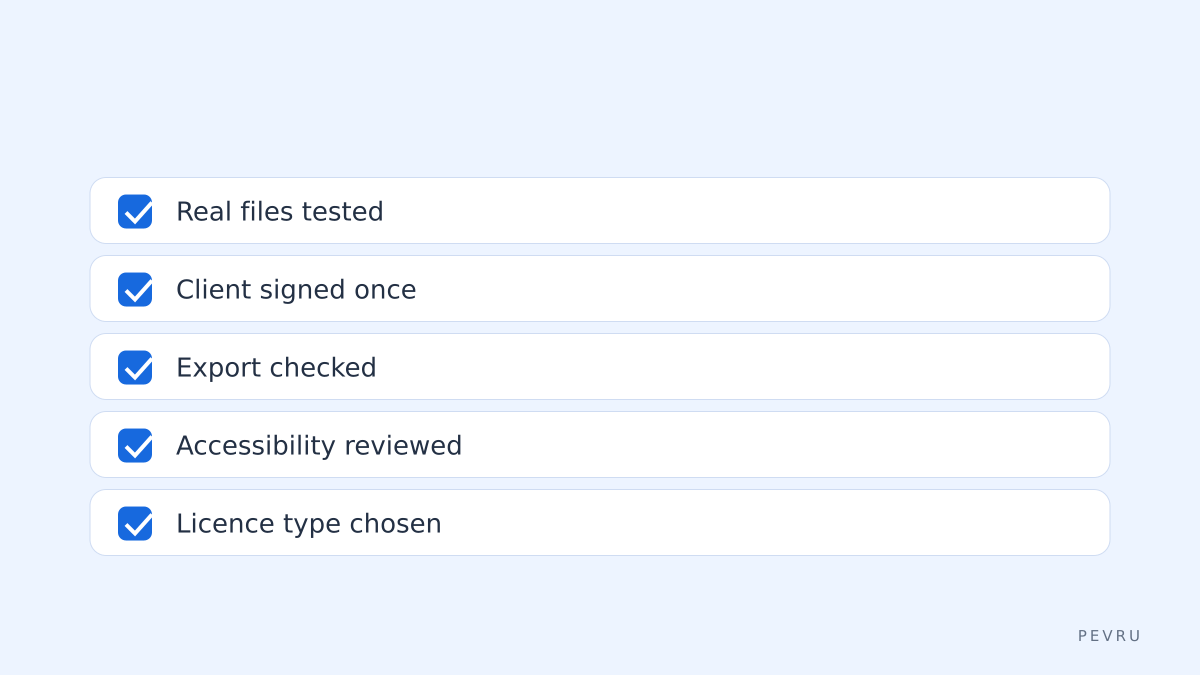
List your last 30 PDF tasks. Look at the files you actually touched last month. Most people find the list is edit, OCR, sign and convert, with one or two rare items.
Install the trial and repeat five of them. Use real files. Ignore the watermark; you are testing behaviour, not output.
Send one document for signature to a real client. This is the step that reveals whether the ecosystem change matters to the people you work with.
Check the accessibility or prepress items if they apply. If they do, stop here and keep Acrobat.
Decide on the licence. Perpetual if you want to stop renewing and can live with the current version; annual if you want updates and the cloud allowance.
The bottom line
For freelancers and small teams whose PDF work is editing, scanning, forms, signing and the occasional redaction, PDFelement does the job at a fraction of the Acrobat Pro subscription, and the perpetual licence removes the renewal entirely. For print production, accessibility compliance or organisations already built around Adobe Acrobat Sign, Acrobat remains the right tool, and the savings are not worth the disruption. Check current prices on both vendors' sites before deciding; both change promotions often.