Elementor pro – 3 checks before you pay (solo sites)
Elementor Pro can be worth $59/year for a single site if you need theme building and popups. Read three quick checks, a pricing table, setup steps and realistic caveats.

Some links in this article lead to partner services. If you make a purchase there, the site may receive a commission; this does not affect the price or our assessment.
elementor pro is worth buying when you need drag‑and‑drop theme building, popup and form integration, and at least one site license. The Personal plan starts at $59/year for one site according to Elementor's pricing page, and the Professional workflows you get include theme builder, global widgets and form actions with integrations (source: https://elementor.com/pricing/). Below you get a compact pricing table, three practical checks, step‑by‑step setup, and the main caveats.
In short – key takeaways:
1) Cost check – Personal plan $59/year for 1 site; pay attention to renewals and support limits. Elementor Personal plan for a single site.
2) Feature check – use it if you need visual theme building (header, footer, single post) and popup triggers; if you only need page layout, the free Elementor plugin may suffice.
3) Performance check – expect one extra plugin and possible page builder bloat; measure Core Web Vitals after adding theme builder templates.
4) Workflow check – pair Elementor Pro with a lightweight theme like Hello or a minimalist parent theme; avoid heavy bundled themes.
Option | Who it suits | Key number | Main drawback |
|---|---|---|---|
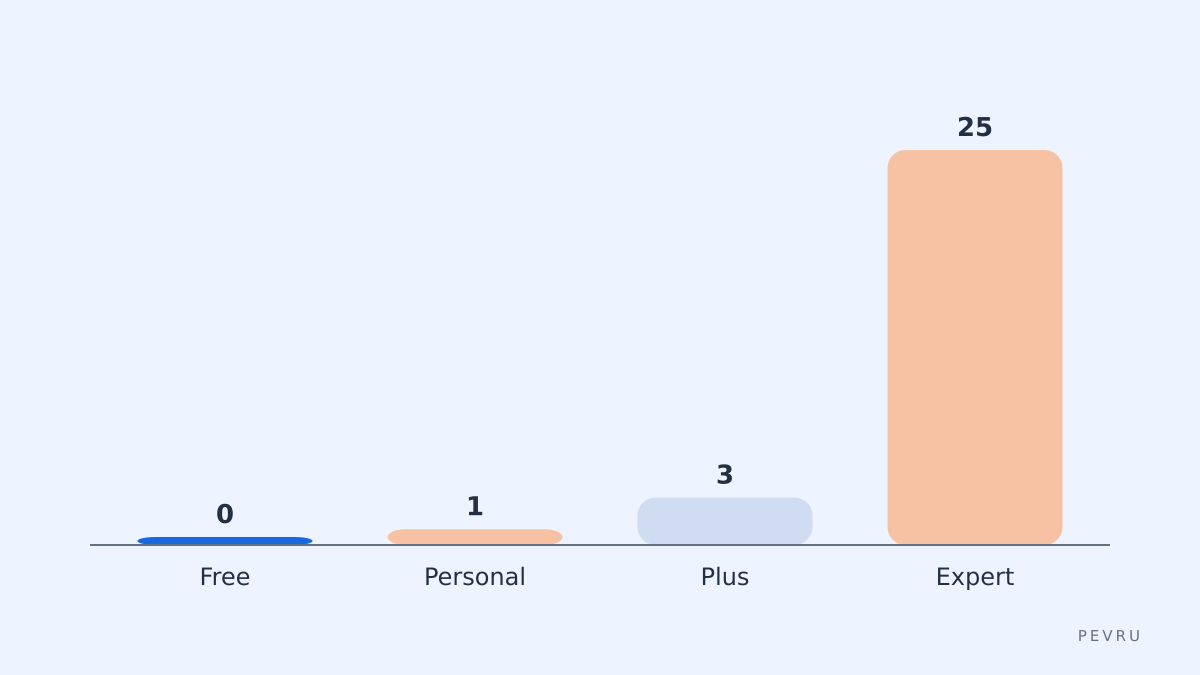
Free Elementor | Hobby sites, quick landing pages | 0 USD cost up front (plugin) | Lacks theme builder, popups and form integrations |
Elementor Personal | Solo freelancers, one client site | $59/year for 1 site (source: https://elementor.com/pricing/) | No multisite discounts; renews at same rate |
Elementor Plus | Small agencies, 3–25 sites | $99/year for 3 sites (source: https://elementor.com/pricing/) | Still limited if you scale beyond included sites |
Elementor Expert | Agencies, many clients | $199/year for 25 sites (source: https://elementor.com/pricing/) | Higher cost; larger sites may need custom code |
When should you buy elementor pro rather than use the free plugin?
Buy when you must edit site parts outside individual pages, like header, footer, blog single or archive templates. The theme builder replaces PHP template edits with visual templates. If you need popups that trigger on exit intent or timed delay, Elementor Pro provides the popup builder. If your need is only page sections, keep the free plugin and save money. Check feature pages for the exact list: https://elementor.com/features/.
How to decide which Elementor plan fits your daily task?
List your required site count, integrations, and staging needs. If you manage one client site, pick Personal $59/year. If you manage 3–5 client sites, choose Plus at $99/year. If you run an agency handling 25 sites, Expert at $199/year reduces per‑site cost; calculate break‑even by dividing price by sites. Also check whether you need VIP support for large projects; that raises cost. Use Elementor Personal plan for a single site when site count equals one.
Practical setup steps for one daily site build
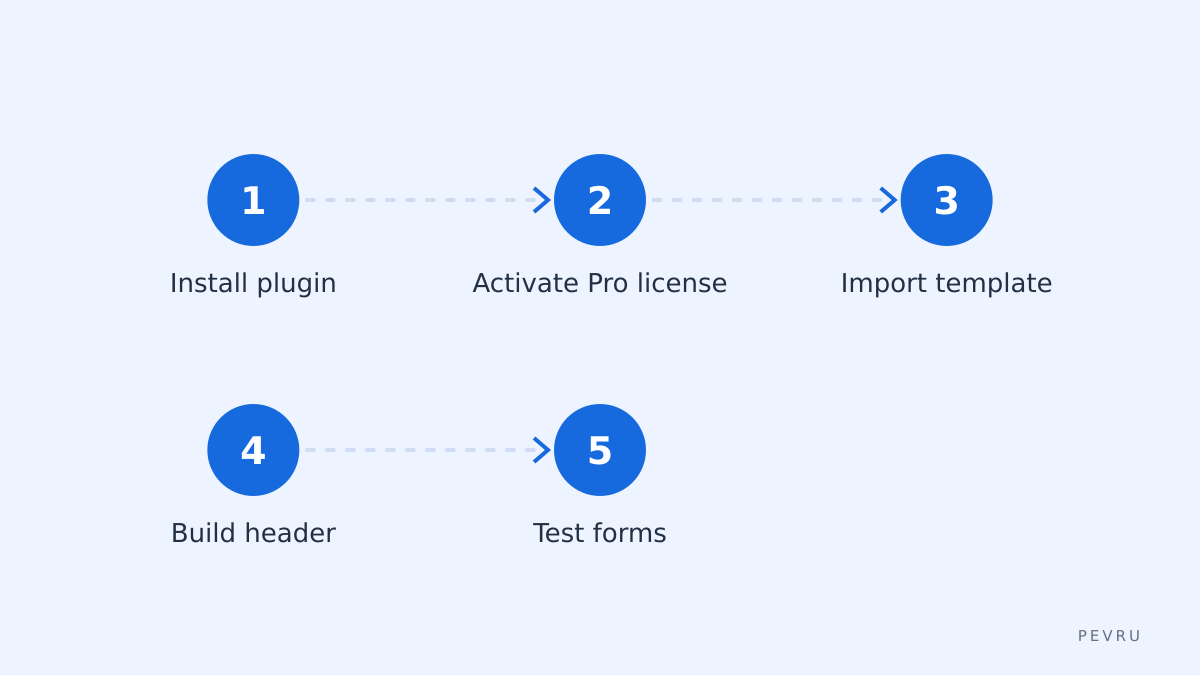
Install WordPress and choose a minimal theme such as Hello or a clean starter theme.
Install Elementor free from WordPress.org and activate. (Source: https://wordpress.org/plugins/elementor/)
Purchase the Pro license and download the Pro plugin. Upload and activate the Pro plugin, then enter the license key in Elementor > License. Use Elementor Personal plan for a single site during purchase.
Build global elements: create header, footer and a single post template under Templates > Theme Builder. Use global widgets for repeated sections.
Configure popups and form actions to send leads to your email or a webhook; test with real submissions. After setup, audit Core Web Vitals and lazy‑load images.
Performance and compatibility caveats you must accept
Elementor adds frontend assets and can impact Largest Contentful Paint if you load many widgets on one page. The common fixes are selective asset loading, using the "Optimize CSS" and "Load Font Awesome" toggles, and combining critical CSS via a caching plugin. Some themes that bundle their own builders conflict with Elementor; avoid themes that include multiple competing page builders. One honest limitation: deep custom PHP conditions still need a developer. An alternative: Gutenberg with block-based plugins for simpler pages.
Cost traps and renewal rules to watch
Elementor lists yearly prices; renewal follows the same price on the pricing page. Add‑on plugins or third‑party widgets often cost extra. If you cancel, Pro features stop working but content remains in shortcodes or markup that may need cleanup. For transparency, see the pricing page: https://elementor.com/pricing/. Consider the total cost including hosting and premium third‑party widgets.
FAQ
Q: Does elementor pro slow down a site? A: It can increase page weight, but proper configuration reduces impact. Use selective asset loading, lazy loading, and a caching plugin; measure LCP and CLS after installing to confirm. Some heavy widgets and global fonts increase size.
Q: Can I use Elementor Pro with any WordPress theme? A: Mostly yes, but use a lightweight theme like Hello or Astra for best compatibility. Avoid themes that try to replace Elementor with their own builder. If a theme claims full integration, test theme builder templates.
Q: Is the Pro license a one‑time purchase? A: No, Elementor Pro is sold as an annual subscription; renewals are yearly. The listed prices on the pricing page reflect yearly billing: https://elementor.com/pricing/.
Q: What is a common migration mistake? A: Relying on Pro widgets without exportable fallback. If you move away from Elementor, many layouts need rebuilding because they depend on Elementor shortcodes and templates.
Q: Are there cheaper alternatives? A: Yes; Gutenberg block plugins and some premium themes can replace parts of Elementor at lower recurring cost, but they may not match the same feature set for visual theme building.
Decision rule – one line: If you need visual theme building and popups for one site, buy the Personal plan at $59/year and start with a minimal theme; purchase via Elementor Personal plan for a single site and verify renewal terms.
Sources:
https://elementor.com/pricing/
https://elementor.com/features/
https://wordpress.org/plugins/elementor/
https://kinsta.com/blog/elementor-pro/